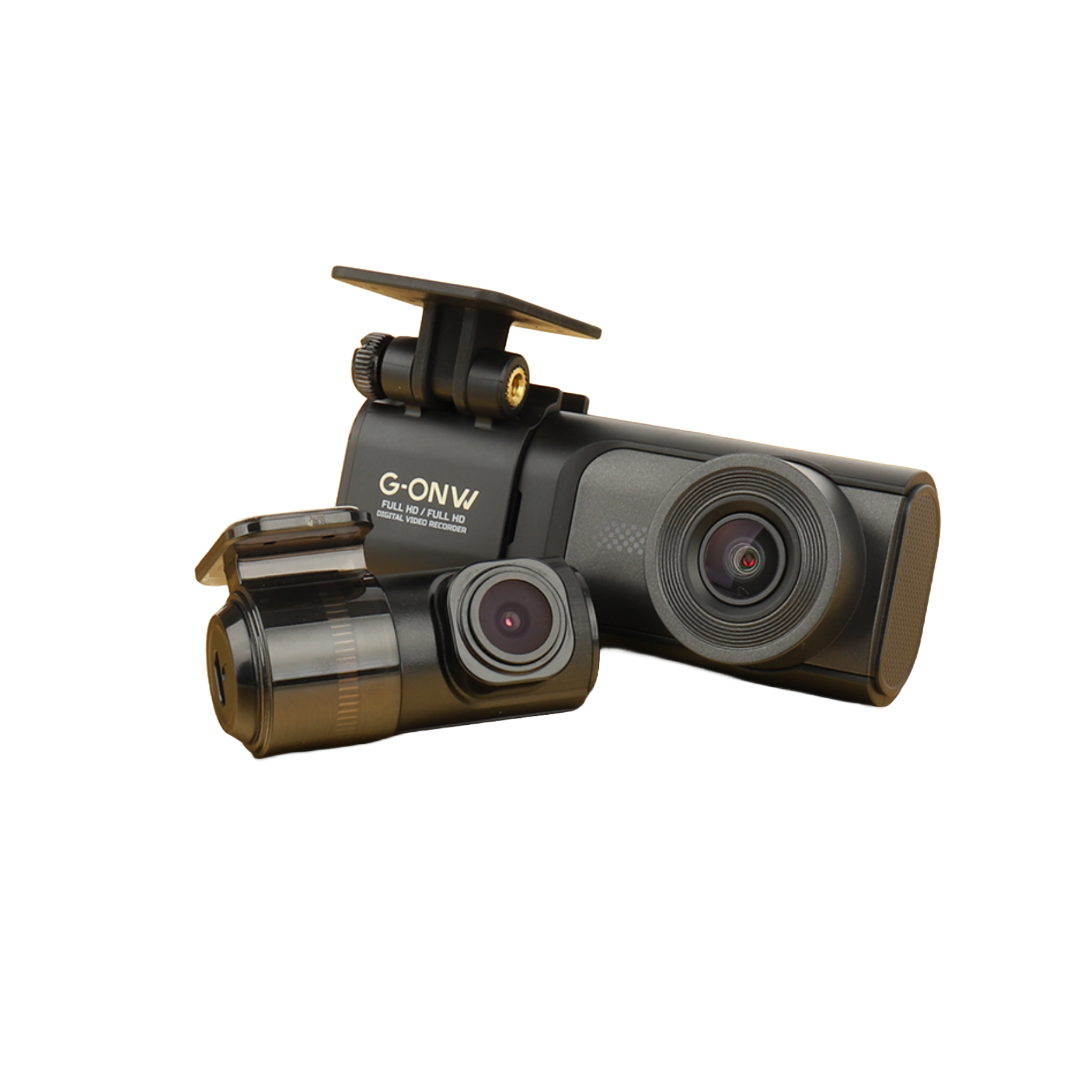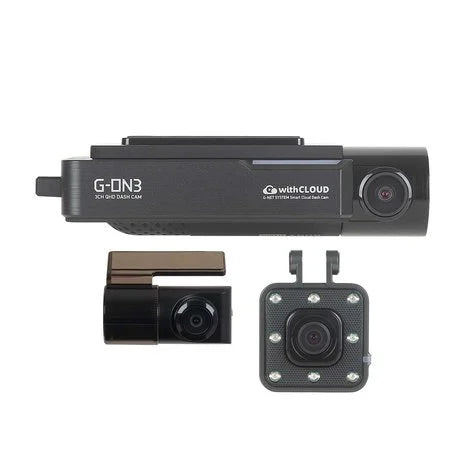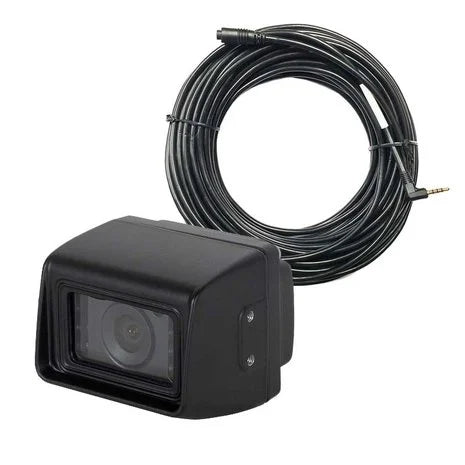

You walk up to your car and spot a fresh scratch or dent — but the culprit is long gone. Frustrating, and often you foot the bill yourself. With the parking mode of a modern dashcam, that's a thing of the past. In this article we explain how it works and why it won't drain your battery.
What is parking mode?
Parking mode keeps your dashcam on guard while your car is parked and the engine is off. The camera switches to an energy-saving standby and springs into action the moment something happens.
How does the dashcam detect an incident?
- G-sensor (impact sensor): detects vibrations and impacts, for example from parking damage or a collision. The camera wakes up and locks the footage so it isn't overwritten.
- Motion detection: some models start recording as soon as movement appears in frame, such as someone walking too close to your car.
Won't my battery drain?
That's the key question — and the answer is no, provided it's wired correctly. Our dashcams are powered via a smart OBD plug or via a fixed connection to the fuse box with voltage protection. That protection automatically switches the dashcam off as soon as your battery voltage drops below a safe threshold. So your car still starts, even after a long parking period.
OEM dashcam: ideal for parking mode
Precisely because our OEM dashcams are wired invisibly and permanently to the fuse box, they're perfect for 24/7 monitoring. No loose cables, no occupied 12V socket, and always protected — even when you're not there.
What to look out for?
- Choose a dashcam with voltage protection (low-voltage cut-off).
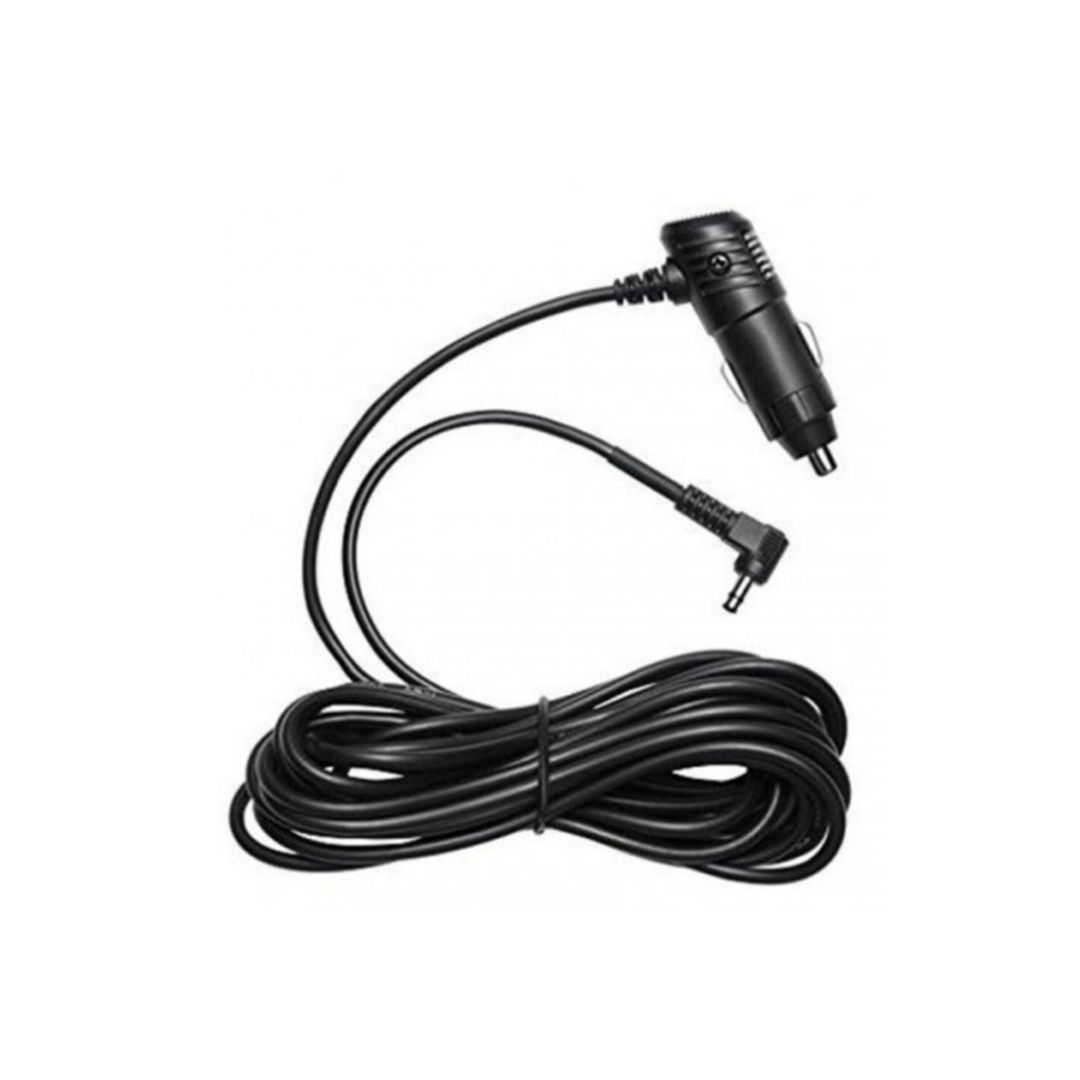
- Use an OBD or hardwire connection instead of the cigarette lighter, which often cuts out when the ignition is off.
- Use a reliable, heat-resistant memory card that can handle continuous writing.
Want to protect your car while parked too? View the OEM dashcam for your brand — with a free OBD plug and 24/7 parking mode as standard.